Wikit Studio, the no-code solution for creating your custom AI agents
Design, customize, and deploy your AI agents without coding. Wikit Studio integrates with your ecosystem to create reliable assistants that are connected to your data and tailored to your business processes.
Discover Wikit Studio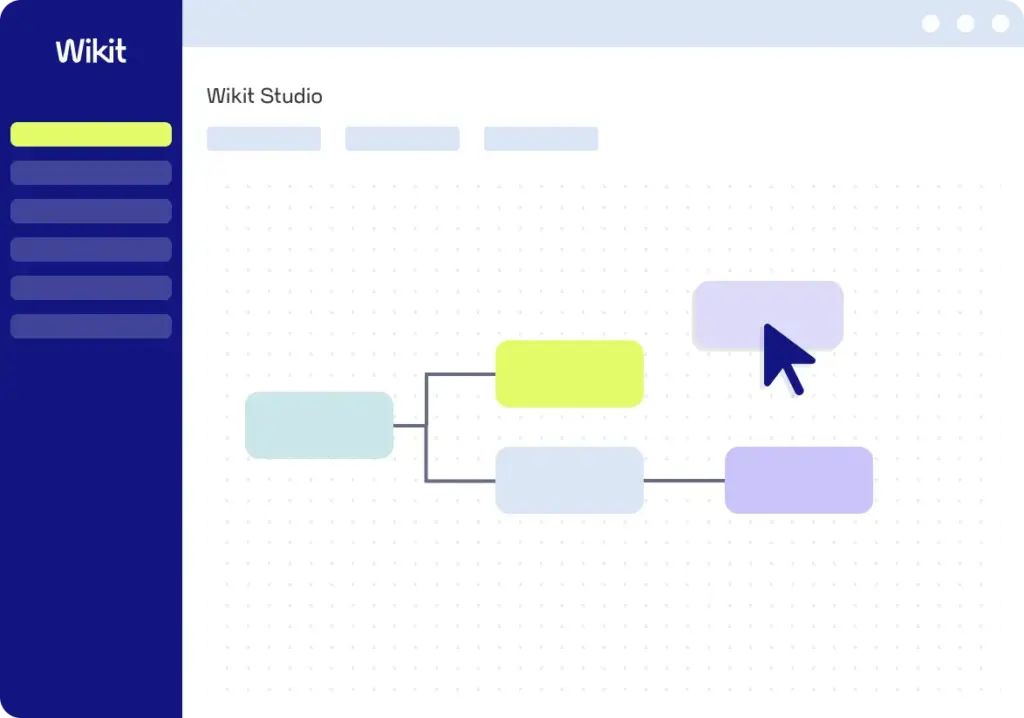
Turn your ideas into AI agents without coding
Wikit Studio, integrated into the Wikit Semantics platform, allows you to create and deploy AI agents tailored to your business needs, without any technical barriers.
Thanks to a no-code editor, it enables you to bring customized, high-performance, reliable, and secure AI applications to life in record time.
With Wikit Studio, every organization can transform its ideas into operational agents, completely on its own.

1 Studio, 5 Pillars for Coordinating Your AI Agents
Drag, configure, publish!


Innovate on your own. You don’t need to know how to code to build an AI agent. With our modular block system, simply drag, configure, and publish. Go from idea to agent in minutes, without writing a single line of code.
Ensure reliability. Integrate your own documents and databases to create custom agents that provide precise responses based solely on your specific context.
Automate your processes. Don’t settle for isolated tasks anymore. Build logical workflows where agents can move seamlessly from one step to the next: from data retrieval to formatting, all the way through to final delivery
With the MCP standard, your agents can query your systems, retrieve user context, and take appropriate action. Create a ticket, update a CRM, trigger a process: anything is possible.
Scale up securely. Manage the lifecycle of your agents in a robust environment where IT maintains full visibility into traffic, access, and security.
The power of AI, minus the complexity
With Wikit Studio, you take back control: you build the AI agents your teams actually need.

Gain more autonomy.
Create and deploy your agents in just a few clicks without relying on developers.

Boost your productivity.
Save time with standardized blocks and maintain full control over your workflows.

Accelerate your ROI.
Boost your innovation capacity with agile and scalable agent deployment.
Connect your AI agents to your tools
Easily integrate your applications and solutions to automate and streamline your workflows.













The Keys to Creating High-Performance AI Agents

Don't confuse chatbots with AI agents anymore: from conversation to action, we'll explain how to tell them apart!
Read more
Discover how MCP is revolutionizing the design of intelligent agents: more robust, safer and more useful.
Read more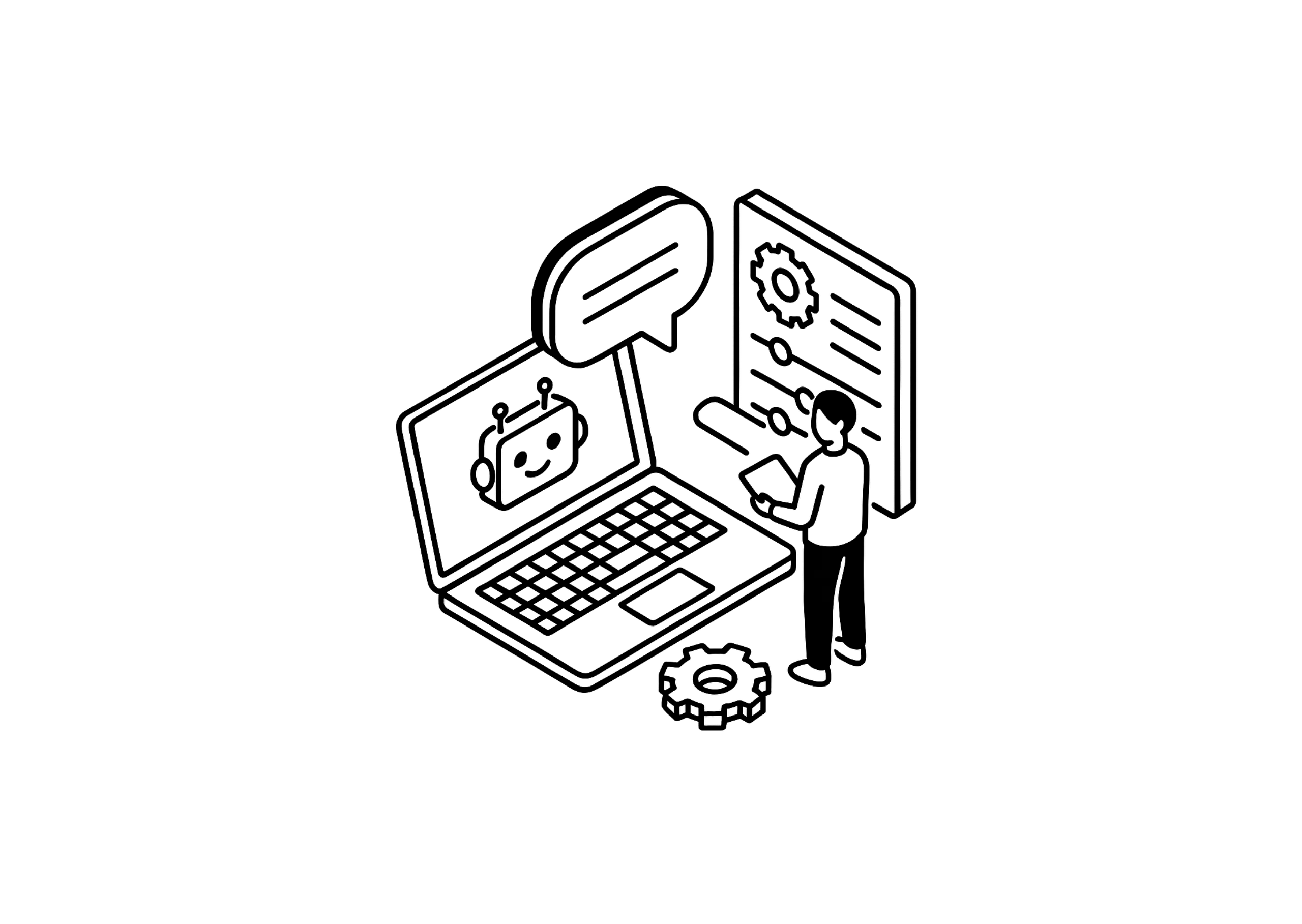
Discover how chatbots can help optimize the user experience and enable intelligent service automation!
Read moreWe answer your questions at
about creating custom AI agents
What is Wikit Studio?
Wikit Studio isthe no-code visual editor for the Wikit Semantics platform. It lets you design your own AI agents by assembling logic building blocks: querying an LLM, calling an API, setting a condition, searching a knowledge base… You’re no longer limited to the ready-to-use applications available in the catalog. Whether it’s a conversational assistant, an autonomous agent, or a RAG chatbot, you can build the agent that perfectly meets your needs.
Do you need technical skills to use Studio?
- Drag the blocks onto the canvas;
- Fill in the few fields provided, such as selecting a template from a list;
- Connect the blocks to each other.
The most technical blocks are hidden by default: your teams see only simple building blocks tailored to their needs.
Who is Wikit Studio for?
For business roles looking to automate tasks and processes with AI—such as project managers, product owners, HR managers, or customer service representatives—they can create their own agents independently, within the parameters set by administrators. Other employees can view the workflows without the risk of accidentally modifying them. For the end user, nothing changes: they interact with an application better suited to their role, without seeing the workflow that drives it.
What data can my AI agent use?
- query your business applications via their APIs;
- connect to third-party tools using the MCP protocol (calendar, email, CRM, project management, etc.);
- take into account the user's context, such as their profile or the page on which they are asking their question.
Can a custom AI agent interact with my other software?
Yes. An AI agent created with Wikit Studio does more than just respond: it can also create a ticket, update a CRM record, send a notification, or trigger a process in a third-party tool. Since these actions affect your systems, we recommend coordinating them with your teams in advance. We’re here to help you with this.
How can we maintain control over what the teams create?
Governance takes place upstream. Each role has defined permissions: creation, modification, or view-only access. Administrators also choose which blocks are visible to each user. Your teams can therefore publish content independently, without a lengthy approval process, and using only authorized building blocks.
Is my data protected?
Yes. The Studio is used solely to design your workflows: no user data passes through it. When your agents are running, they benefit from the same security guarantees as all Wikit Semantics applications: a platform hosted in France by OVHcloud, no model training using your data, and the ability to choose the hosting level for each agent’s models.
How can I track my agents' usage?
Agents created with Studio are Wikit Semantics applications just like any others. Their usage statistics appear on the platform's dashboard, alongside all your other applications.
How do I access Wikit Studio?
Wikit Studio is integrated into the Wikit Semantics platform, which is available as an annual subscription. It is included in our most comprehensive plan, which allows you to design custom workflows. Contact us to learn more about Studio and find the plan that best suits your projects.
What is the difference between a chatbot and a custom AI agent?
To learn more about the distinction, check out our article Chatbot or Intelligent Agent: How to Tell the Difference.
For which use cases is a custom AI agent suitable?
A custom AI agent can be tailored to various use cases depending on the needs of a business, local government, or government agency. Among the main uses of an agent are:
- Responding to requests submitted by employees or customers to IT support (for this purpose, the IT department may implement a suitable AI agent).
- Processing requests submitted to Human Resources (the HR Director defines which workflows to automate).
- Customer Relationship Management.
- Managing relationships with users of a public service.
These are just a few examples: a custom-built agent can cover a wide range of uses within an organization and meet specific business needs for which there is no off-the-shelf solution in a AI agent catalog ready to use.
How can we ensure the reliability of responses from a custom AI agent?
When creating the AI agent for the company, technical, human, and organizational safeguards are built in—such as the requirement to validate sensitive actions or the continuous monitoring of workflows—to limit the risk of erroneous or unauthorized actions.
How do you connect an AI agent to the company's tools and data?
For more complex or proprietary systems, APIs extend these connections to the existing ecosystem: this allows the agent to interact in real time with external software and databases.
How can you create a custom AI agent for your organization?
- Define the use case. Specify what need the agent addresses, for whom, and within what scope. For example: answering first-level questions submitted to IT support.
- Connect your data and tools. Knowledge bases, business applications via APIs, third-party tools via the MCP protocol, and user context: the agent has the information needed to take appropriate action.
- Build your agent in Studio. Drag and drop the blocks onto the canvas, configure them (select a template, set instructions and conditions), and then connect them to each other. This is how you define the agent’s knowledge, behavior, and actions: responding to inquiries, creating a ticket, updating a customer record, and more…
- Put your agent online. Save your workflow and link it to a Wikit Semantics application: your users can access it immediately, and you can track its usage in the platform's dashboard.
